Guest access forno subscriptions or hardware lock-in.
Remote check-in sets you freeGuestIn lets staff manage guest access in one mobile app while guests simply open a link.
No subscription. Pay only when a reservation uses GuestIn. If you open the door, you don't pay.
Staff download the app. Guests do not need one.
Reservation #4192
1 stay = 1 charge
The problem
Most guest-access tools force the wrong tradeoff.
Some systems lock you into one hardware ecosystem.
Some add another monthly subscription before you ever use them.
Some guest flows are easy for staff but painful for guests.
Some tools are built for hardware first, hospitality second.
GuestIn is software-first, hospitality-first, integration-friendly, and fair on pricing.
Use supported devices, not a locked ecosystem
GuestIn already supports eWeLink and Shelly, and the integration layer is built to accept more providers over time. Flexibility, not vendor switching.
No subscription
There is no recurring platform fee just to keep the system available. Activate it, leave it on, run your hotel.
Maximum flexibility
Customize the guest access page with your property's branding — logo, colors and tone of voice — for a seamless experience.
How it works
From reservation to guest entry in a few steps.
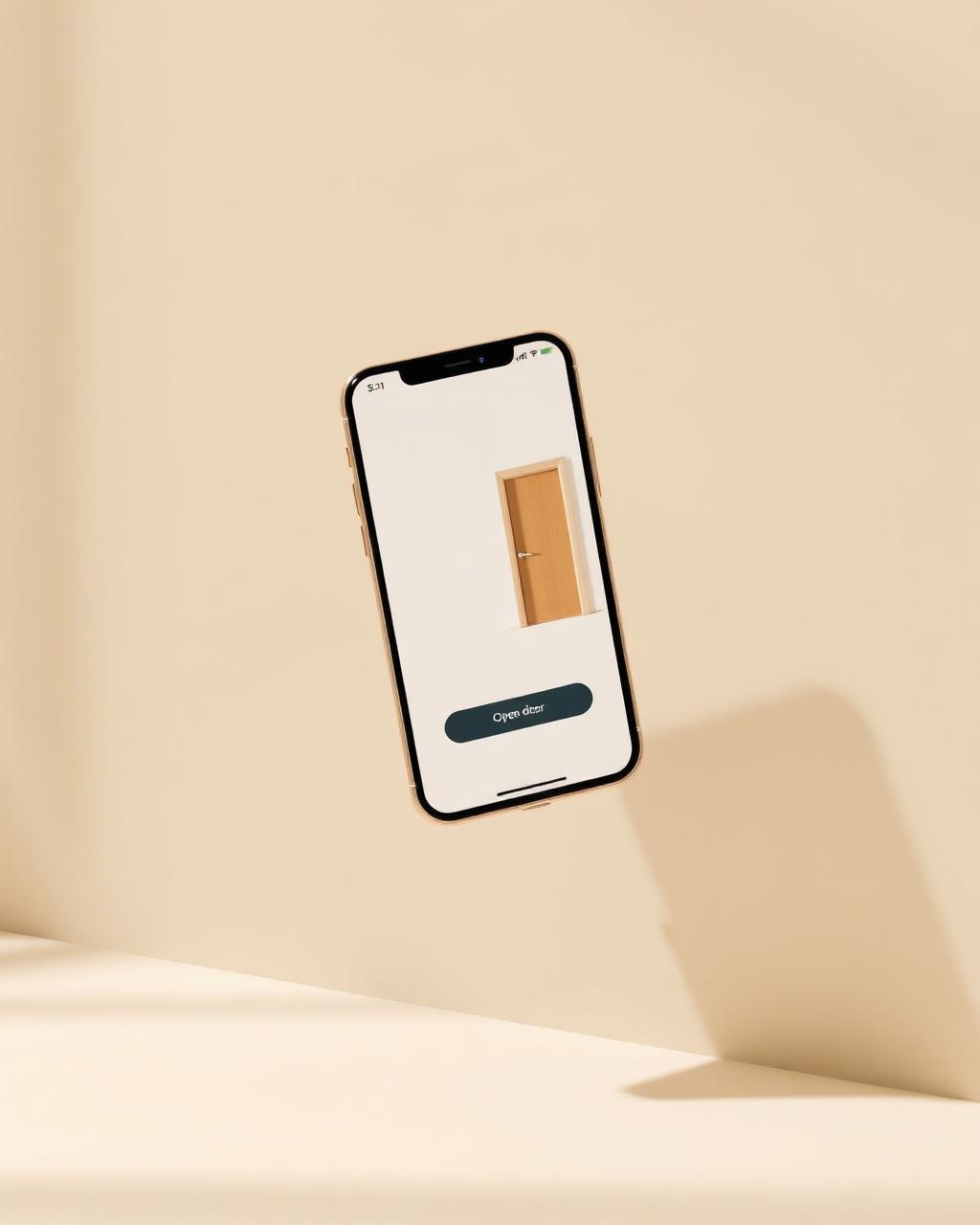
The host workflow is app-based. The guest workflow is link-based. That split is one of the clearest usability advantages of GuestIn.
- 01
Create the reservation
Add it manually or import it from your booking system.
- 02
Pick the doors
Choose which doors apply to this stay.
- 03
Set the access window
Define start and end, per door, with optional single-use.
- 04
GuestIn generates a link
Plus a secure 15-character access code.
- 05
Guest taps and enters
From mobile web. No app install required.
Integrations
Built for real hotel setups.
Smart-device providers
GuestIn currently supports eWeLink and Shelly, so properties are not forced into a single smart-device ecosystem. The provider registry is ready for more.
Booking flows
GuestIn already supports direct bookings and KrossBooking-connected workflows, with channel architecture prepared for additional sources.
Direct bookings
LiveManual reservations
KrossBooking
LiveConnector available→
Airbnb
In progressiCal import→
Booking.com
In progressiCal import→
Not sure which hardware to buy?
See the smart switches and electronic locks we've tested with GuestIn.
Pricing
Pay only when GuestIn is used.
No monthly subscription. You pay only when a reservation actually uses GuestIn. If the same reservation opens doors many times, you are still charged once.
One reservation
A guest checks in for a 3-night stay.
Many doors
Main entrance, room door and rooftop gate, used multiple times.
One charge
That stay counts as a single GuestIn usage.
From operators
Designed with hospitality teams in mind.
We didn’t want to change our whole hardware setup just to modernize guest access. GuestIn gave us a much simpler path.
The pricing finally makes sense. We pay when a stay actually uses it, not every month just to keep the software alive.
Our staff uses the app, our guests just tap the link, and that’s exactly how it should work.
Sample testimonial copy shown for layout. To be replaced with real customer quotes before launch.
Operational proof
Built on the things that matter on the floor.
- ✓Secure 15-character access codes
- ✓Door-level access windows
- ✓Optional single-use access
- ✓Multilingual guest interface
- ✓Mobile-first host workflow
- ✓Image-rich guest door view
FAQ
Questions, answered honestly.
Do I need to buy GuestIn hardware?+
No. There is no GuestIn-specific hardware. You use supported smart-device providers and compatible integrations.
Which smart-device providers does GuestIn support today?+
eWeLink (webhook integration, including Sonoff and other eWeLink-compatible devices) and Shelly (direct HTTP API). The architecture is ready for more.
Do my guests need to download an app?+
No. Guests open doors from a mobile web page through a secure link. No account, no install.
How does pricing work?+
There is no subscription. You pay only when a reservation actually uses GuestIn.
If the guest opens the door several times, do I pay several times?+
No. One reservation equals one charge, no matter how many times that guest opens doors during the stay.
Can I use GuestIn with direct bookings?+
Yes. Manual and direct bookings are fully supported.
Does GuestIn work with KrossBooking?+
Yes. KrossBooking is available as a connector today, with more booking sources planned.
Can different doors have different access times?+
Yes. Each door has its own time window, and access can be set as single-use when needed.
Modernize guest access your way.
No hardware switch. No monthly subscription. Just a smarter front desk for your hotel.
For hotel staff and property managers.